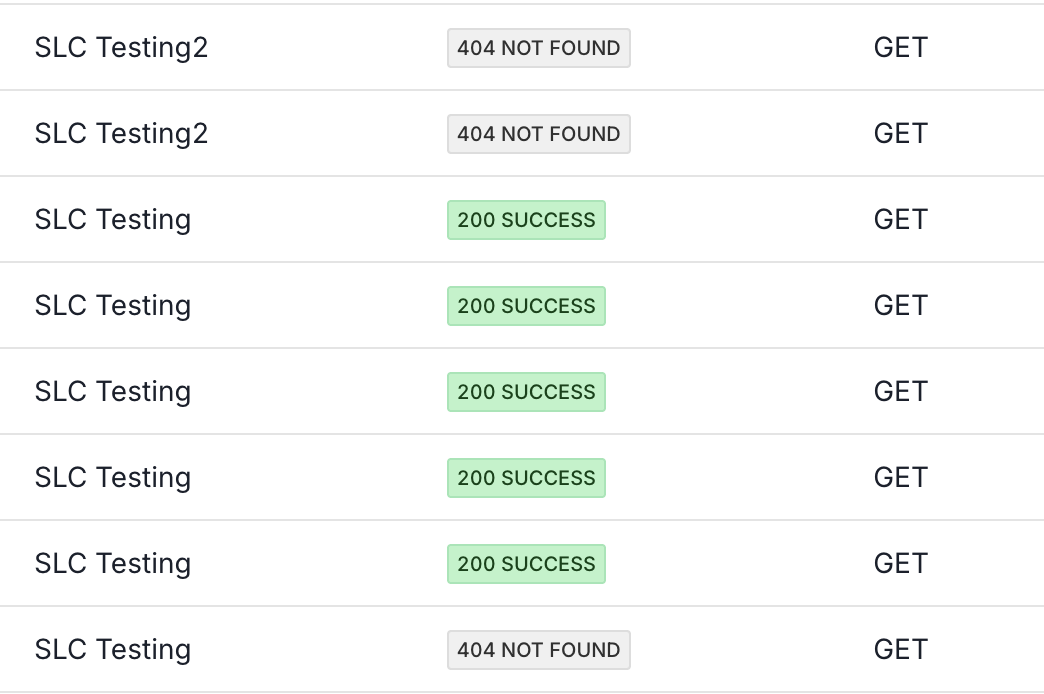
API Logs
We track all API requests for auditing purposes, which allows Nabis to provide enhanced automated monitoring of the API service, while also exposing them at a high level in the application UI to help with any debugging that you may run into.
Viewing Logs
- Log in to the Nabis app.
- In the left-hand navigation menu, select Nabis API.
- In the tabs across the page, select Logs.
- Identify your key by name.
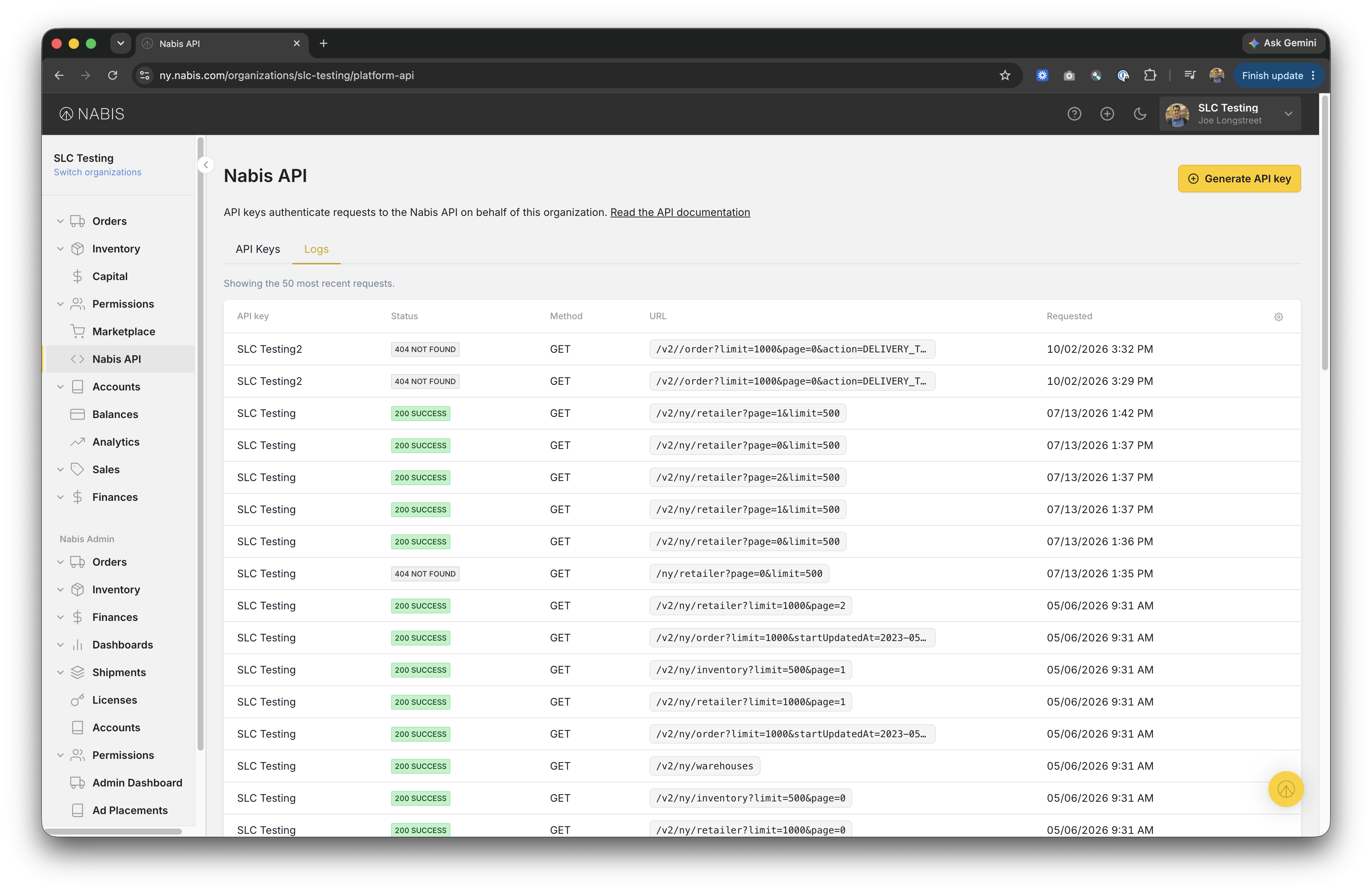
Viewing called URL path
Sometimes you need to see the URL path that your service called. Simply hover your cursor over to expand the the ellipsis path.

What status codes are tracked?
We track all status codes to help with debugging, auditing and monitoring. Here is an example of how a few different codes will be represented in the UI.